What does Callmine's onboarding wizard do?
Getting started·May 31, 2026·1 min·By Callmine Team
Callmine's onboarding wizard runs in 7 steps — Welcome, Gong, profile, HubSpot, Slack, starter analysis, watch run. Every step is skippable.
TL;DR
The onboarding wizard at /onboarding walks new workspaces through seven
steps: Welcome, Gong, Company profile, HubSpot, Slack, Starter analysis,
Watch run. Every step is skippable, and progress persists across sessions.
Steps
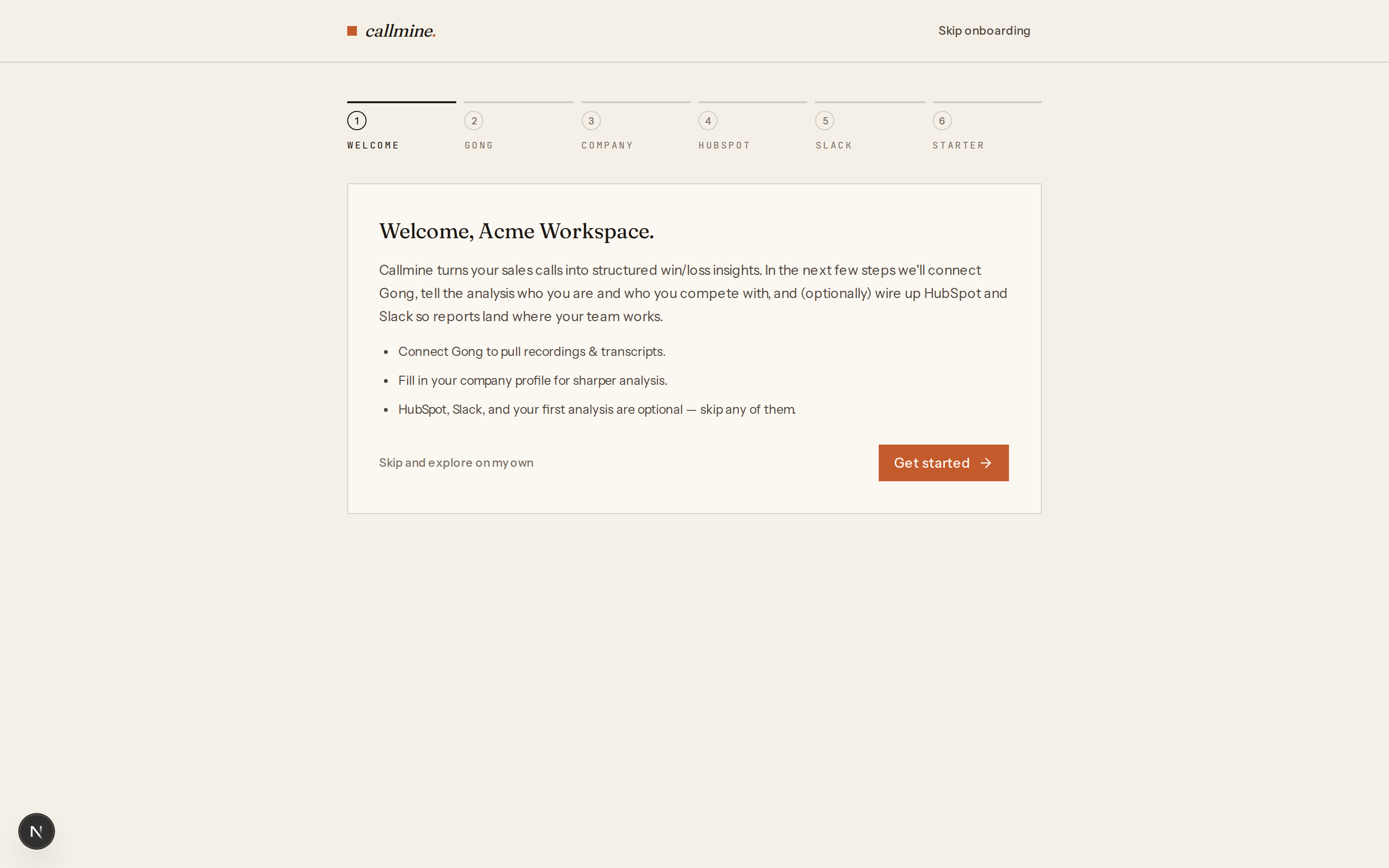
- 01Welcome. A one-screen overview of what Callmine does and what the trial includes — 30 days, 100 calls, no credit card.
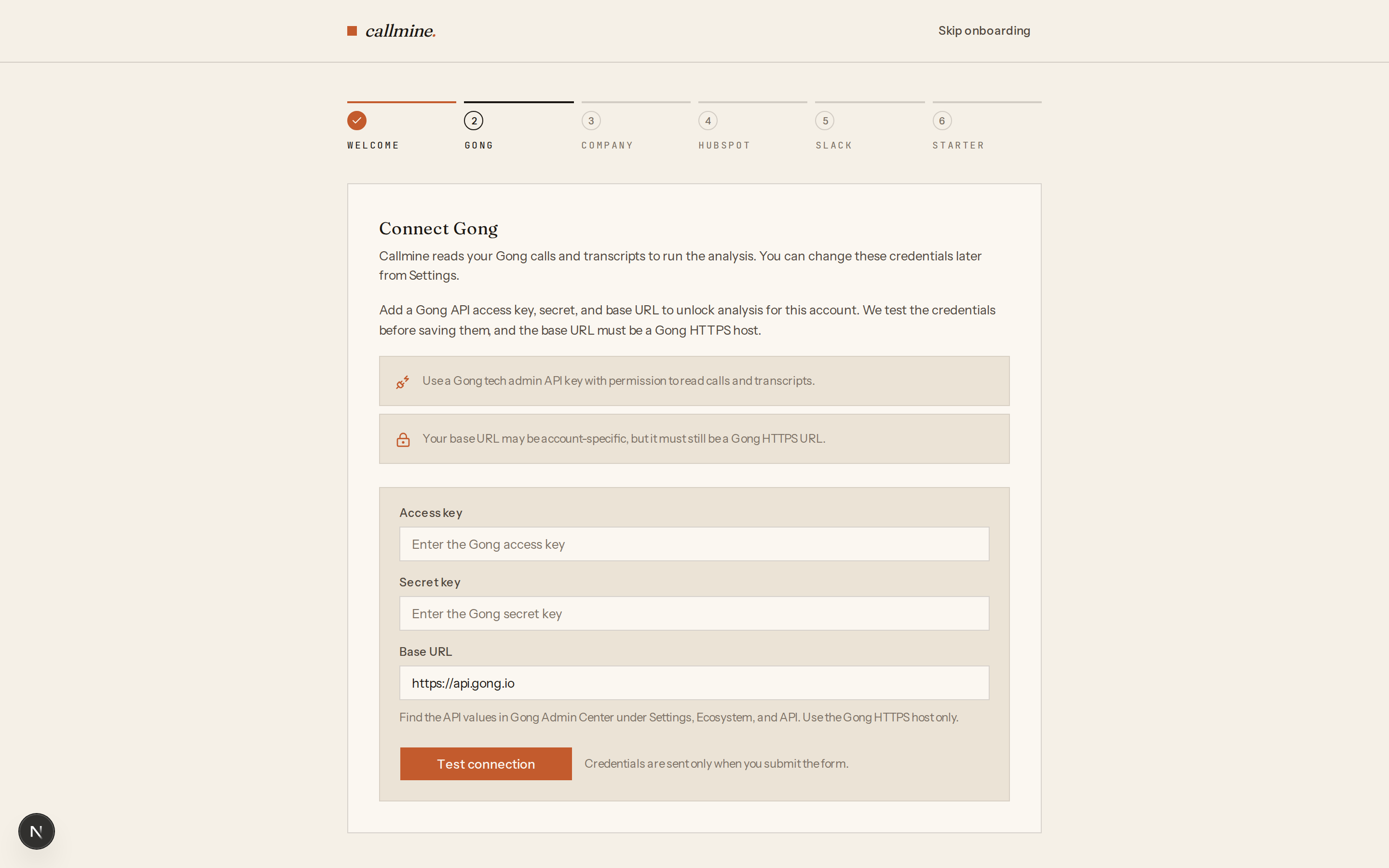
- 02Gong. Connect Gong via OAuth or paste an access key and secret. See How do I connect Gong to Callmine via OAuth?.
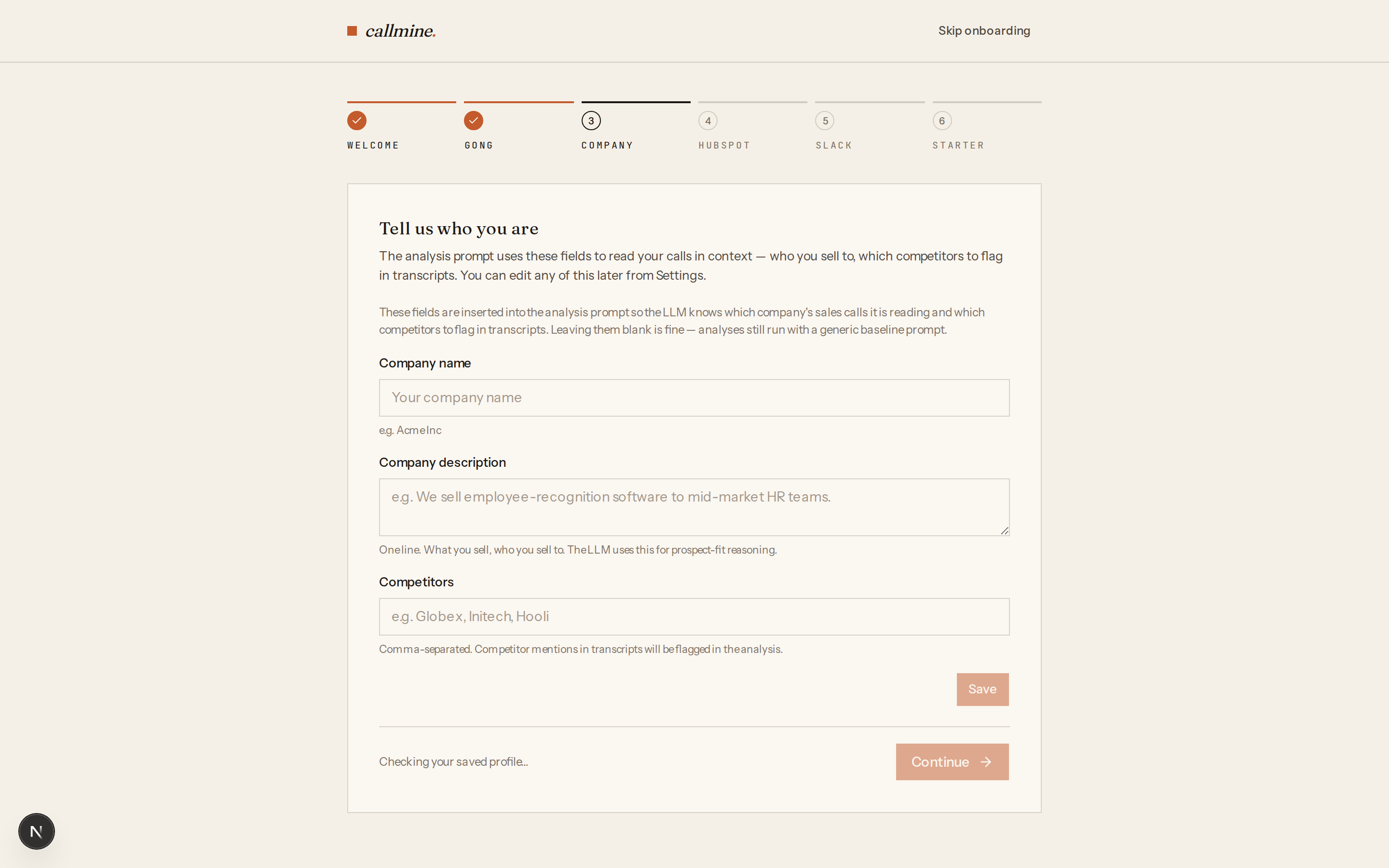
- 03Company profile. Set your company name, a short description, and competitor names. Analysis prompts use this context to ground their reasoning — for example, distinguishing "our product" from competitors when the call mentions both.
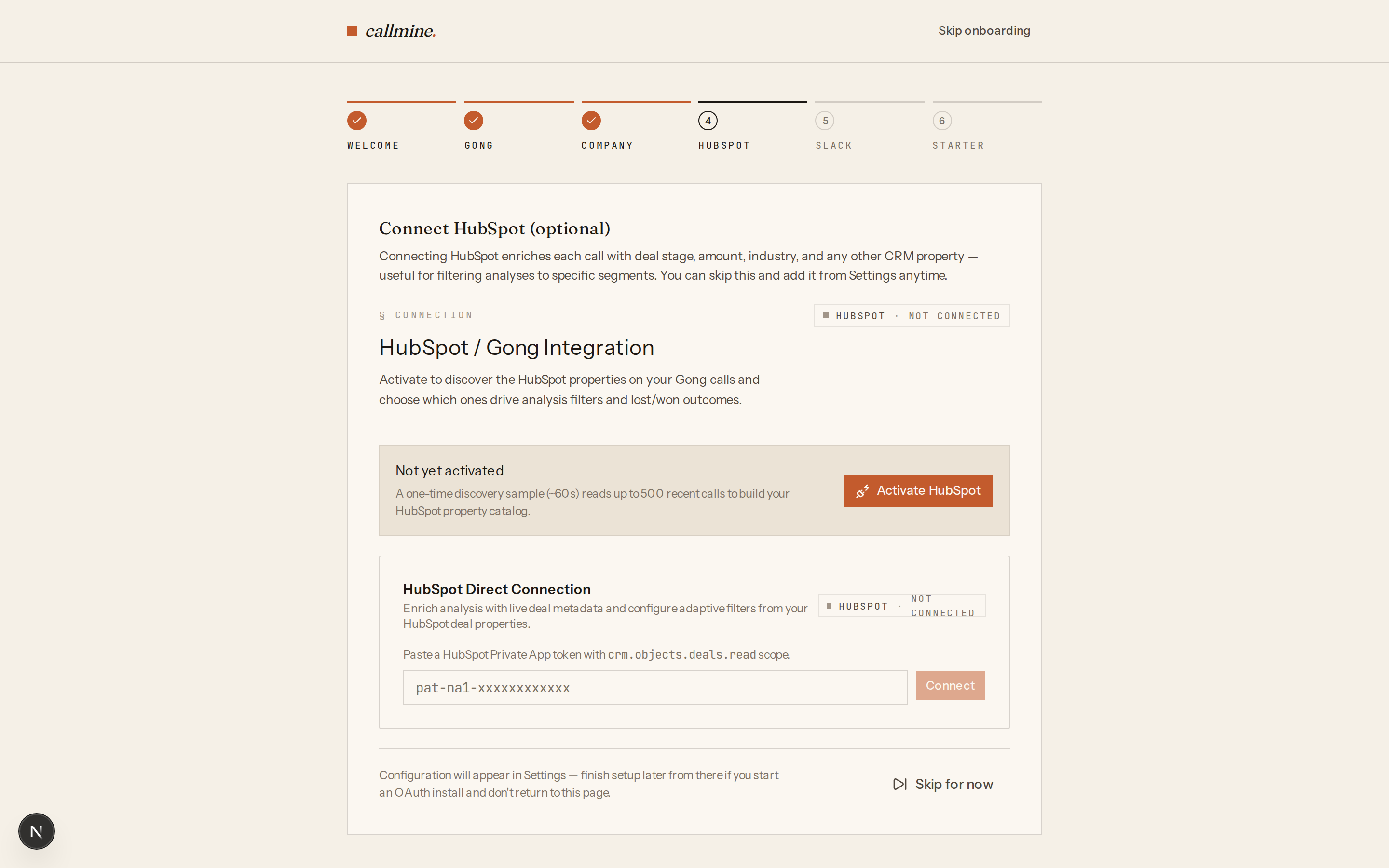
- 04HubSpot (optional). Connect HubSpot via OAuth or a private app token. With HubSpot wired up, Callmine can filter calls by deal stage, amount, owner, and any custom property. Without it, the pipeline still works on Gong-only data.
- 05Slack (optional). Connect via OAuth or paste an incoming webhook URL. Callmine posts a Block Kit notification when an analysis run completes.
- 06Starter analysis. Pick from a curated set of three library
prompts (closed-lost themes, objection patterns, competitive
mentions). The wizard pre-sets
max_calls=10and a last-week date range so the first run finishes in a few minutes. - 07Watch run. The wizard hands off to
/runs/<jobId>so you can watch the analysis progress in real time, then opens the final report at/reports/<reportId>when it finishes.
Visual walkthrough
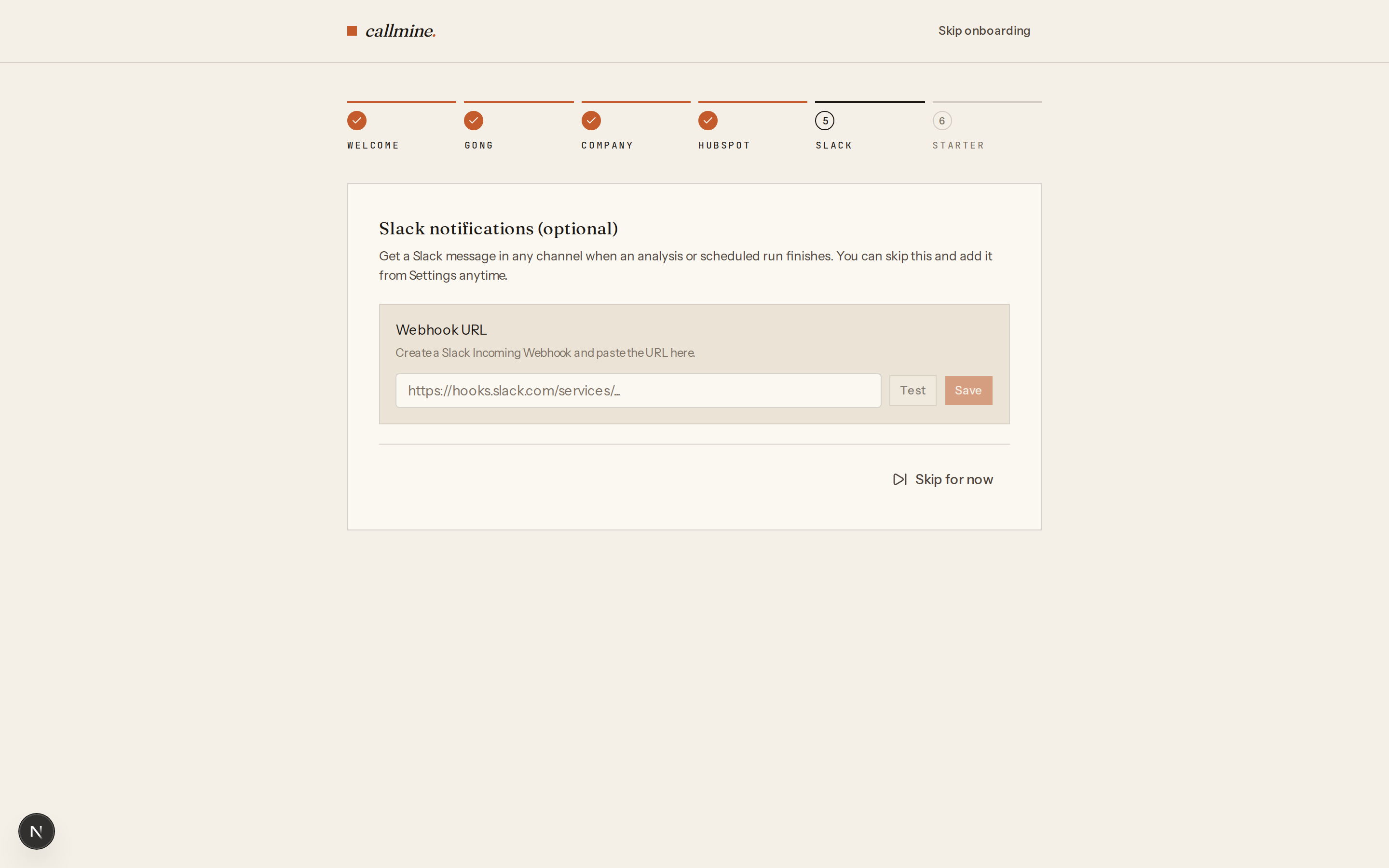
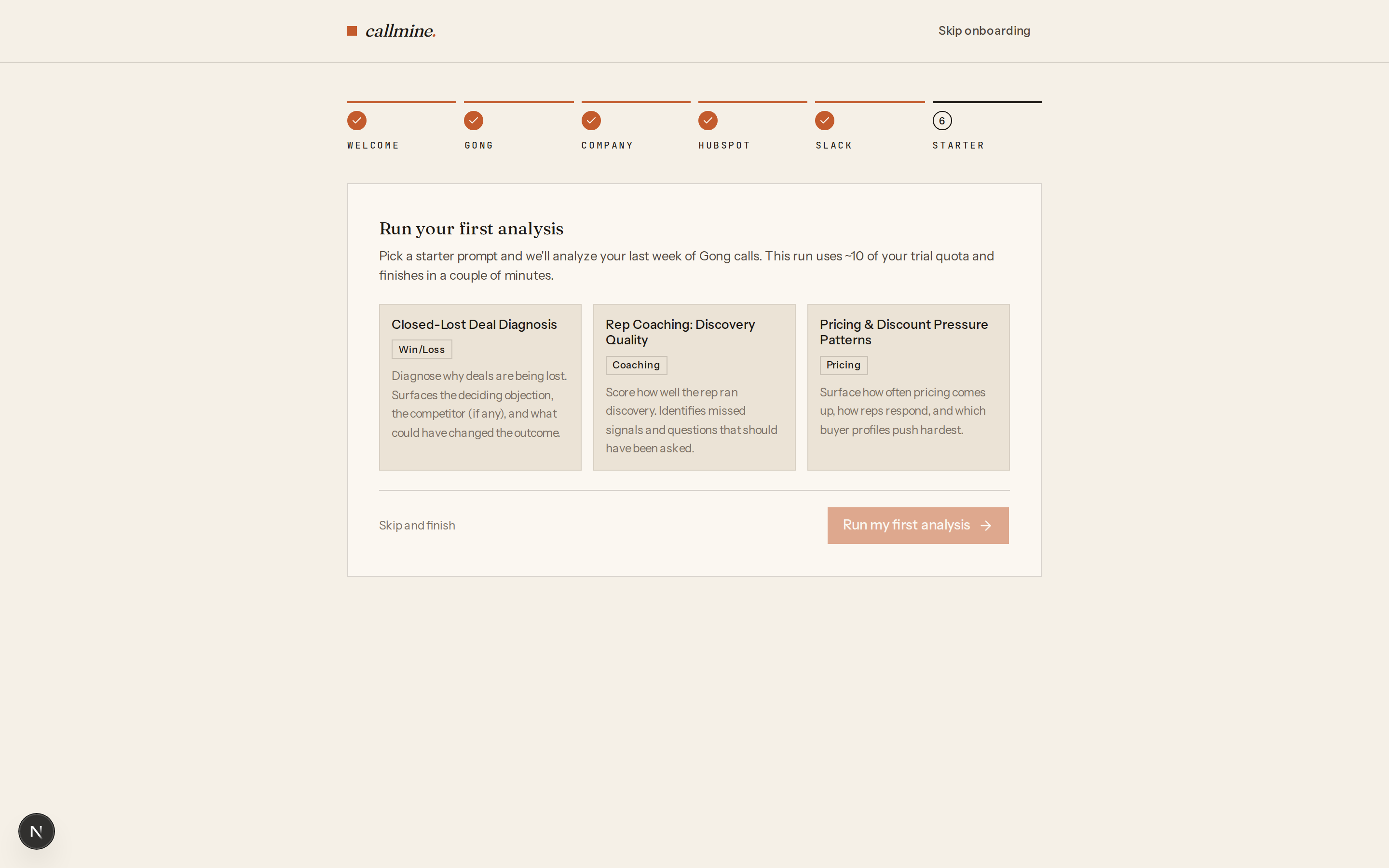
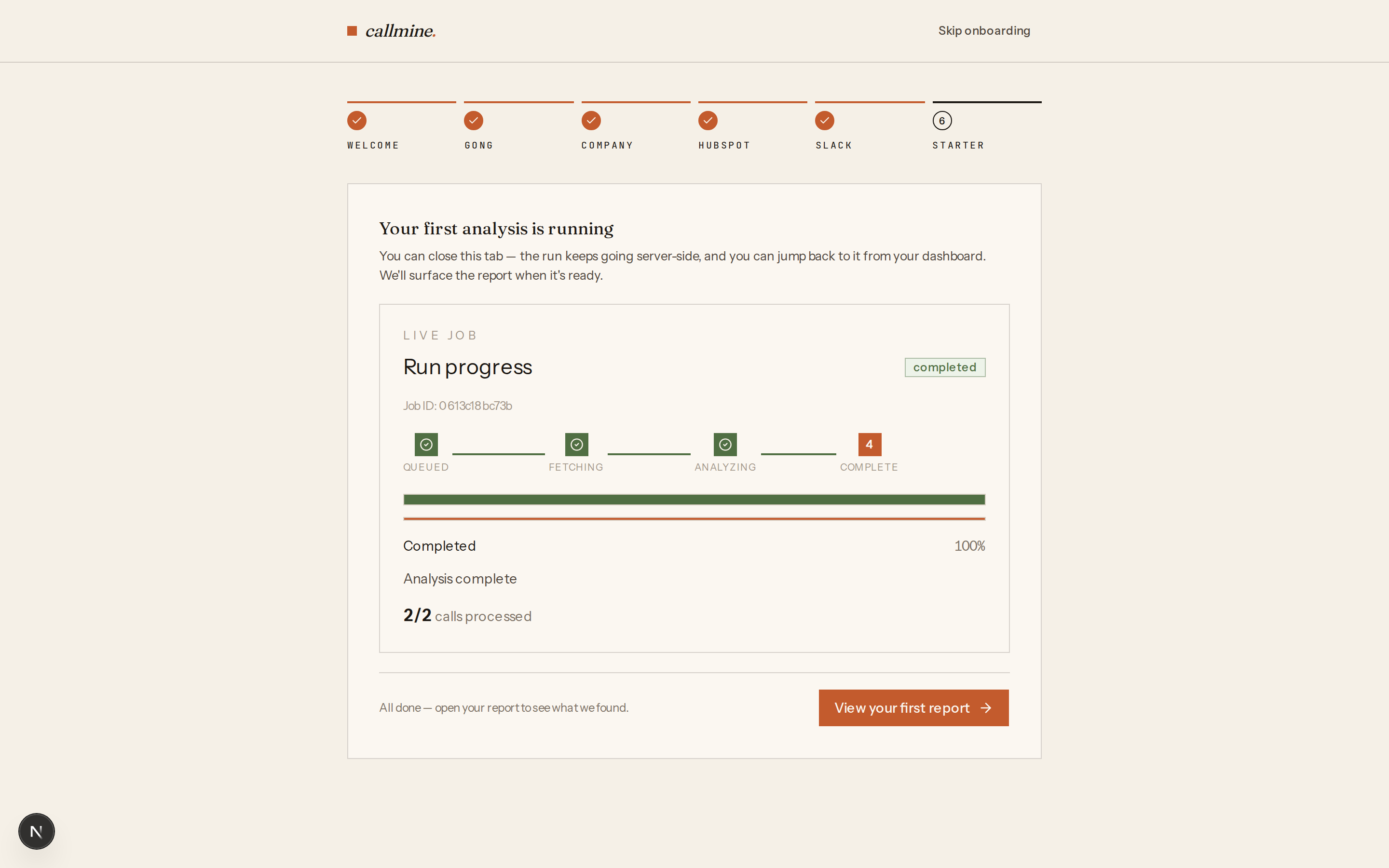
Skipping vs completing
Every step has a Skip control. Either skipping or completing the
final step takes the workspace out of the wizard — on the next
sign-in you land on /dashboard. You can wire any skipped
integration up later from /settings.