How do I disconnect Callmine from Gong?
Integrations / Gong·May 31, 2026·1 min·By Callmine Team
Disconnect Callmine from Gong in two clicks from Settings, or revoke directly from Gong's admin console. Reports stay, quota does not refund.
TL;DR
In Callmine, open /settings, find the Gong card, and click Disconnect.
Alternatively, revoke Callmine's access from Gong's admin console. Both
paths stop further data sync immediately; existing reports remain under
your plan's retention rules.
Steps
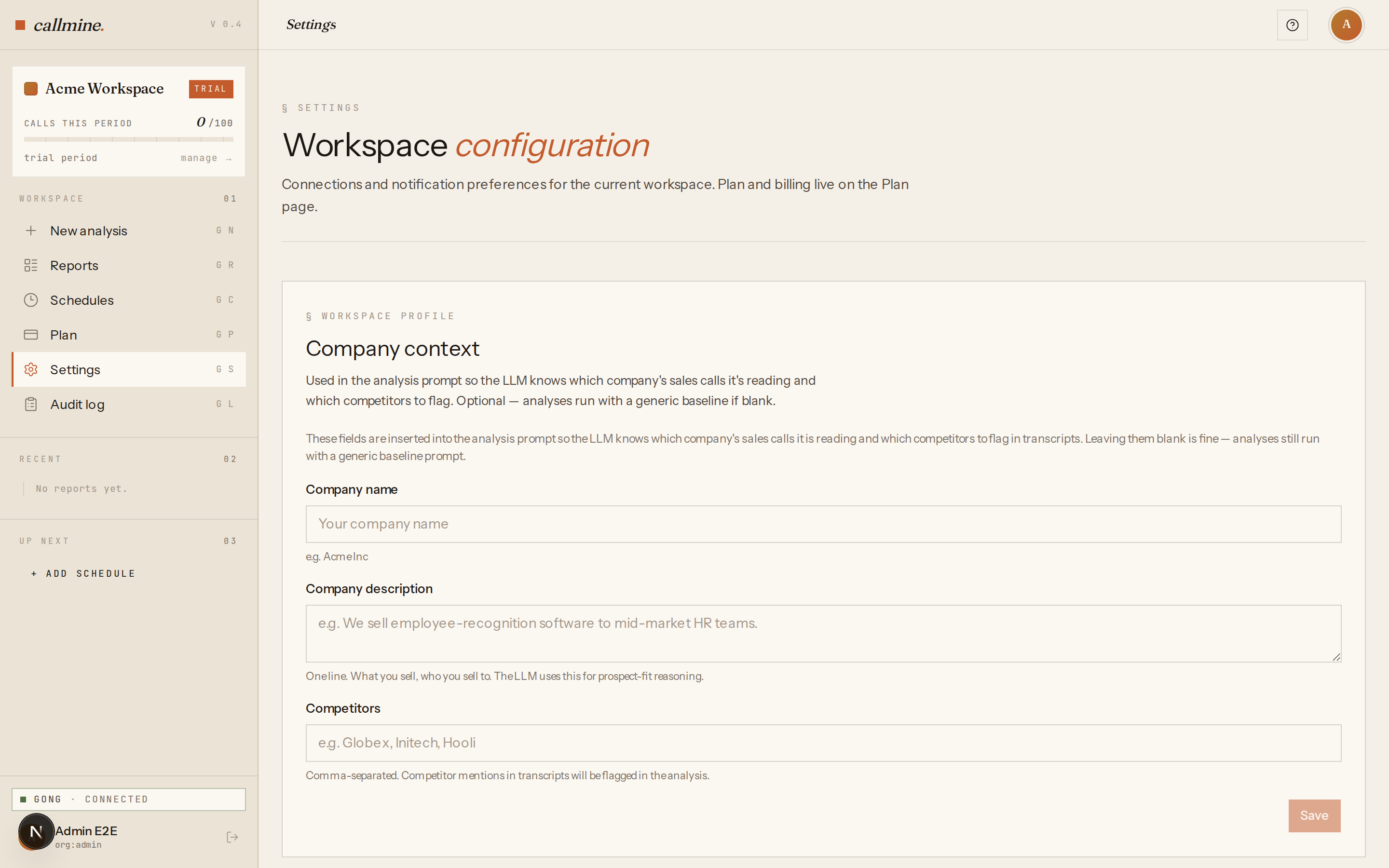
- 01To disconnect from Callmine: sign in, open
/settings, switch to the Integrations tab, locate the Gong card, and click Disconnect. Confirm the prompt — disconnecting cannot be undone without re-running the connect flow. - 02After you confirm, the stored OAuth tokens or access key are deleted
from Callmine's database. Any active schedules will continue to fire
on their cadence and fail until you reconnect — pause them from
/schedulesif you want to silence the failures. - 03To revoke from Gong's side: sign in to Gong as an admin and open Company Settings → Ecosystem. For OAuth, open Connected apps, find Callmine, and click Revoke. For basic-auth, open Manage API access, find the key Callmine is using, and delete it.
- 04After revoking, the next time Callmine tries to call the Gong API it
sees an
invalid_grant(OAuth) or401 Unauthorized(basic-auth). The Gong card in/settingsflips to Needs reconnect; no further analyses run until you connect again.
What happens to your data
Disconnecting does not delete reports, schedules, or audit history.
Those stay under your plan's standard retention window. Consumed quota
for the current billing period is not refunded. If you want a full
permanent deletion, email hello@callmine.ai and we'll process it
manually.