How do I connect Gong with an access key and secret?
Connect Gong to Callmine with basic-auth credentials. Create an access key and secret in Gong admin, paste them into Settings, done.
TL;DR
Generate an access key and secret in Gong's admin console, then paste both into Callmine's Settings → Integrations → Gong card. Optionally override the base URL if your Gong tenant is on a regional cluster.
Steps
- 01Sign in to Gong as an admin and open Company Settings → Ecosystem → Manage API access.
- 02Click Create new API key. Gong shows the access key and secret once — copy both immediately. Gong will not display the secret again.
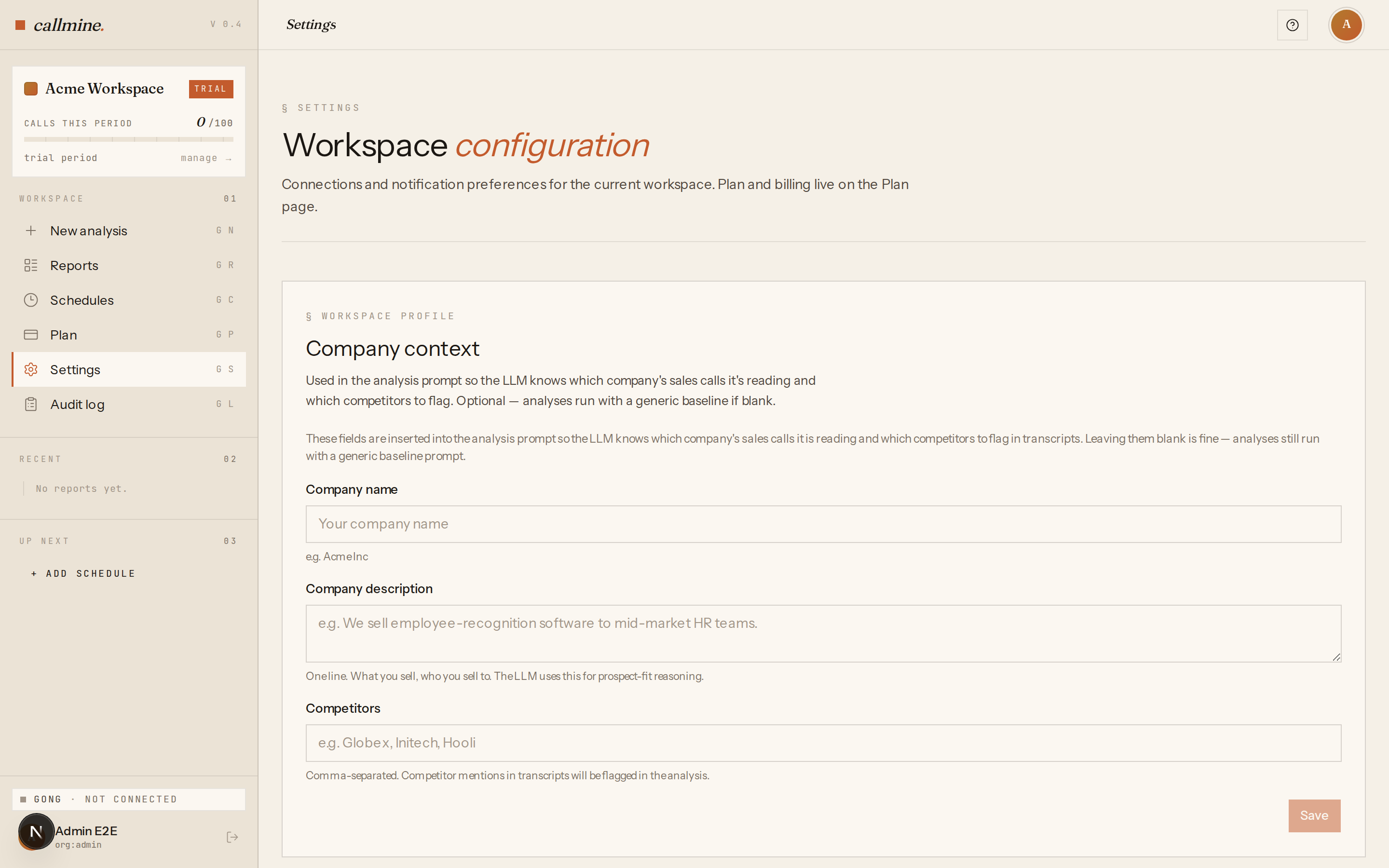
- 03In Callmine, open
/settingsand find the Gong card under Integrations. - 04Choose Connect with basic-auth, paste the access key and secret, and —
if your tenant uses a regional cluster — paste the base URL Gong gave
you (for example
https://us-44392.api.gong.io). - 05Click Save. Callmine validates the credential against Gong's API and marks the integration Connected.
When to use this path
Basic-auth is a first-class path, not a fallback. Use it when your Gong tenant doesn't permit third-party OAuth apps, when your security policy prefers credentials under your direct control, or when you want a key that won't silently rotate during an analysis run. For the OAuth path, see How do I connect Gong to Callmine via OAuth?.
Rotating or replacing the key
To rotate, generate a fresh key in Gong's admin console and paste it into the same Callmine card — the new credential overwrites the old one. Revoke the previous key in Gong once the replacement is live. Reports, schedules, and quota persist across rotations.